
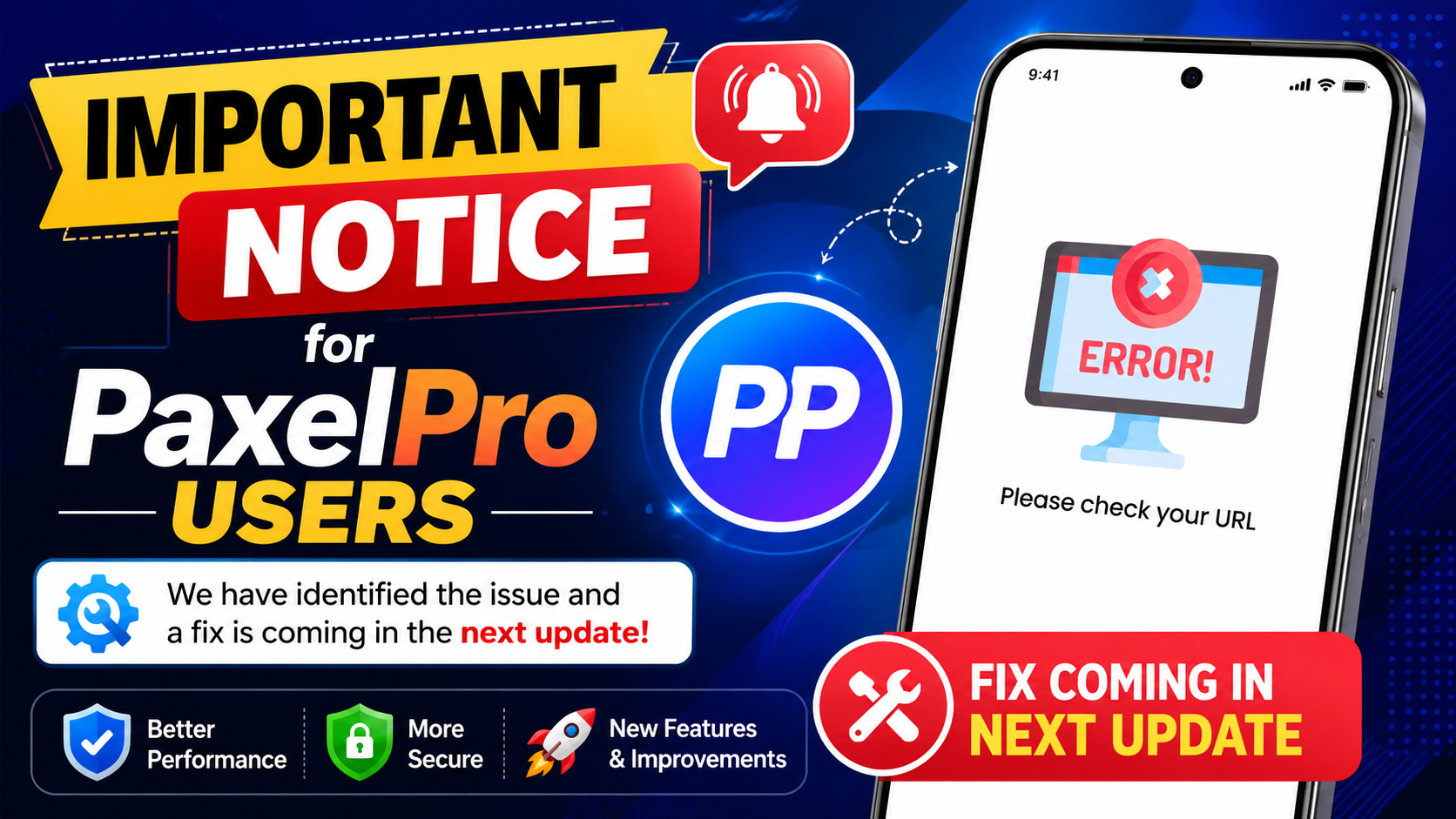
Important Notice for PaxelPro Users: "Please check your URL" Error
Addressing a temporary issue where some users see a "Please check your URL" message. Our team has identified the cause and a fix is being prepared for the next app update. We sincerely apologize for any inconvenience.
We've received reports from some of our users who are encountering a message that says "Please check your URL" when trying to open the PaxelPro application. If you're seeing this, we first want to extend our sincerest apologies for the disruption and any frustration this may have caused. Our team is fully aware of the situation and is already taking action.
A Message from the PaxelPro Development Team
We are committed to building a faster, smarter, and more reliable All-in-One Digital Platform for everyone. This temporary issue is a bump in the road, and we appreciate your patience as we smooth it out. We're building a better experience, one update at a time.
What's Happening with the App?
This issue manifests as an error message, typically "Please check your URL," that prevents the app from loading correctly for a segment of our user base. It's important to know that this is not a widespread problem affecting all users, but for those it does impact, we understand it's a significant inconvenience.
Our initial investigation confirmed that this is a temporary glitch within the application's startup sequence. It is not related to your device's internet connection or any settings you have configured. Essentially, the app is having trouble communicating with our servers upon launch, triggering a generic error message.
We want to reassure you that this issue does not compromise your account security or personal data in any way. It is purely a functional bug that our team is working diligently to squash.
Our Team is on It: A Permanent Fix is Coming
Minutes after the first reports came in, our development team began a thorough diagnosis. The good news is that we have successfully identified the root cause of the problem. Pinpointing the source is the most critical step, and with that done, we have already developed a solution.
This permanent fix is currently being integrated into the next version of the PaxelPro app. We are now in the process of rigorous testing to ensure that the patch not only resolves the "URL" error but also maintains the stability and performance of the entire application. We never release an update without being confident in its quality.
Our top priority is to roll out this update as quickly as possible. We are fast-tracking the development and testing cycle to minimize the time our users have to face this issue.
Why You Don't Need to Worry
Seeing an error message on an app you rely on can be unsettling. We want to put your mind at ease.
- Your Data is Safe: The bug is confined to the app's initialization process and has no access to or effect on your stored data, profile information, or saved content.
- It's Not Your Fault: This is not a user error or a problem with your phone or network. There's no need to spend time troubleshooting your device settings.
- A Solution is Guaranteed: Unlike elusive bugs that are hard to replicate, we have a clear bead on this one. A resolution isn't a matter of if, but when—and the "when" is very soon.
Our goal at PaxelPro has always been to provide a seamless and reliable digital hub. We see this incident as an opportunity to reinforce our systems and improve our response protocols, making the app even more robust for the future.
What to Do If You See This Error
If you are one of the users affected by the "Please check your URL" message, our primary recommendation is patience. We know this is not an ideal request, but it is the most effective course of action right now.
Attempting to reinstall the app, clear its cache excessively, or change network settings will not resolve the issue, as it is embedded in the current version's code. The only way to permanently fix it is by installing the upcoming update.
We are making every effort to get this update into your hands. Once it's released, you will be able to download it from the platform where you originally installed the app.
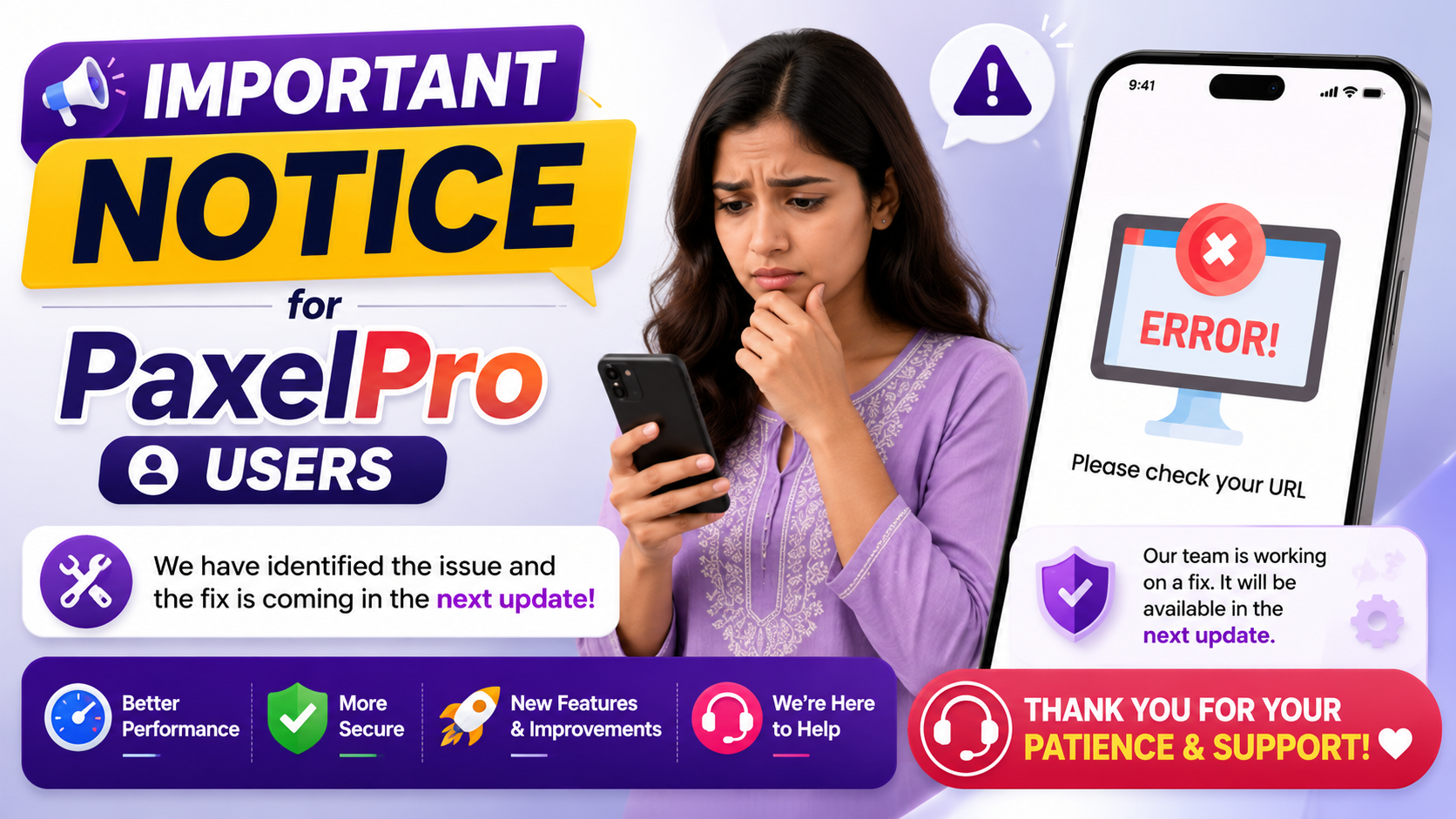
How to Get the Upcoming Fix
As soon as the new version of PaxelPro is published, we highly recommend updating your application. Using the latest version ensures you have all the recent bug fixes, performance optimizations, and security enhancements.
To update, please use the official source for your device:
- For Android Users: Visit the official PaxelPro on Google Play page. If an update is available, you will see an "Update" button instead of an "Open" button.
For detailed instructions on managing your apps, you can refer to an official guide from Google on how to update your Android apps.
We will also post an announcement on the PaxelPro Blog once the update is live across all regions.
Need Immediate Assistance?
While the permanent fix requires the app update, we understand some of you might have urgent questions or need support. Our support team is on standby and ready to assist you.
If you need to speak with someone directly, please don't hesitate to reach out. You can get in touch with the PaxelPro Support Team through our official channels:
- Email Support: Send a detailed message to our support email listed on our Contact page.
- WhatsApp Support: We also offer assistance through WhatsApp for quick queries. The contact details are available on the same contact page.
When you reach out, please mention that you are experiencing the "Please check your URL" issue. This will help our team provide you with the most relevant information quickly.

Your Feedback Helps Us Grow
We are immensely grateful to the users who promptly reported this issue. Your detailed feedback, screenshots, and descriptions were invaluable in helping our developers identify the problem so rapidly. Your continued support and active participation are what make PaxelPro better every single day.
Every bug report is a chance to improve. We view our user community as an essential part of our development process. Thank you for your partnership in building a better digital platform.
Our Commitment to the PaxelPro Community
We founded PaxelPro with a clear mission: to create a powerful, user-friendly, and dependable all-in-one digital hub. This incident, while regrettable, has not swayed us from that commitment—it has strengthened it.
We promise to be transparent and proactive in our communication. We promise to continue investing in our infrastructure to prevent future issues. And most importantly, we promise to keep listening to you, our users.
Thank you once again for your patience and understanding. We are confident that the upcoming update will resolve this issue and deliver the smoother, faster experience you deserve. For more information about our mission and team, you can visit the About PaxelPro page.
Frequently asked questions
What exactly is the "Please check your URL" error in the PaxelPro app?+
It is a temporary bug in the current version of the app that affects some users upon launch. It's an error in the app's startup communication with our servers, and not an issue with your internet connection or device.
Is my account or personal data at risk because of this bug?+
No. The error occurs during the app's loading sequence and does not affect your account security or any data stored within the app. Your information remains safe.
When will the fix for this error be released?+
Our development team has already prepared a fix. It will be included in the very next app update, which is currently undergoing final testing. We are working to release it as quickly as possible.
Should I try reinstalling the app or clearing my data to fix it?+
No, we advise against this. Reinstalling the app or clearing data will not solve the problem, as the bug is within the app's code itself. The only solution is to wait for the official update.
How will I know when the new update is available?+
You can check the PaxelPro page on the Google Play Store. If an update is ready, the button will say "Update." We will also post an announcement on our official blog and social media channels.
I'm still having trouble. How can I contact support directly?+
If you need immediate help, please visit our official Contact page. You can reach our support team via email or our official WhatsApp support channel for assistance.
Enjoyed this article?
Share it and follow PaxelPro for more.
Follow PaxelPro
Related articles
PaxelPro: More Than an App, A Growing Digital Community
Every day, more people are discovering the benefits of PaxelPro, an all-in-one digital hub designed to simplify your online life. We're building a vibrant community of learners, creators, and professionals who are harnessing the power of a single, unified platform.
Welcome to PaxelPro – Your All-in-One Digital Hub
Welcome to PaxelPro! We're thrilled you're here and ready to explore a new way of navigating your digital world. You've just joined a vibrant community dedicated to learning, creating, and growing through one powerful, integrated platform.
Start Your Dropshipping Business with PaxelPro
The world of eCommerce is growing rapidly, and dropshipping has become one of the most popular online business models. PaxelPro helps users explore the world of dropshipping by bringing together useful business resources, supplier platforms, marketplaces, learning materials, and professional tools in one place.